
Project-2
Popup creation on tkinter
In this project, we can learn how to create dialog using messagebox or dialog
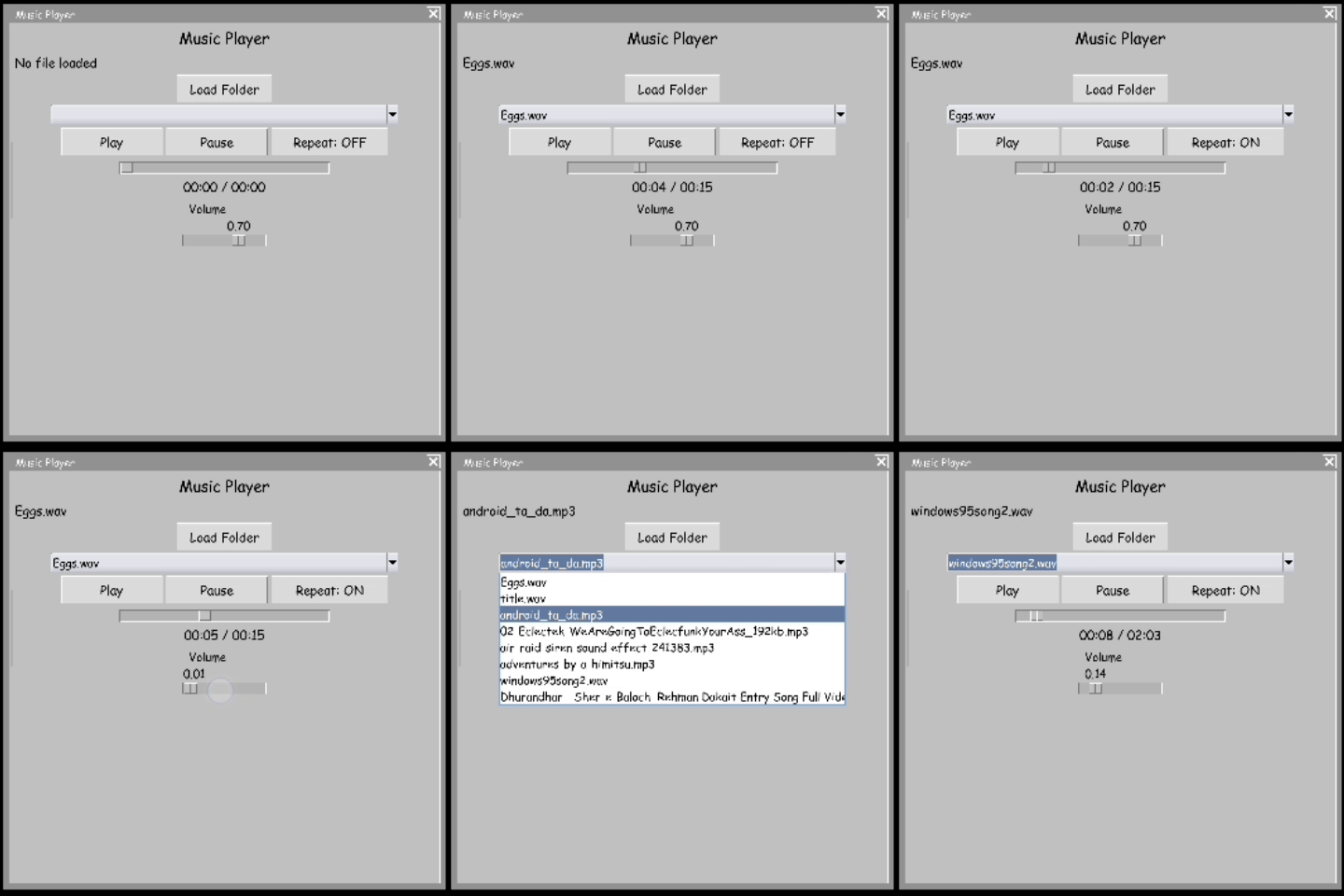
Upcoming project- windows RG style error popup projectIn this image you can see demo
This project dose not need any other requirment.
Download Project
You must agree our terms and conditions before downloading.
 Download popupmessage.py
Tap this code and select "copy" button to copy this code.
Code - popupmessage.py
import tkinter
from tkinter import messagebox

# ---------- Popup Function ----------
def show_popup():
    text = message_box.get("1.0", tkinter.END).strip()

    if text == "":
        messagebox.showwarning("Popup", "type anything on textbox")
    else:
        messagebox.showinfo("Popup Message", text)

# ---------- Main Window ----------
root = tkinter.Tk()
root.title("Window popup creator")
root.geometry("1024x800")

# ---------- Heading ----------
heading = tkinter.Label(
    root,
    text="Window message popup",
    font=("Arial", 22, "bold")
)
heading.pack(pady=20)

# ---------- Description Text ----------
description = tkinter.Label(
    root,
    text='Put your any message on this textbox to view your message in popup.\nTextbox here in center',
    font=("Arial", 12)
)
description.pack(pady=10)

# ---------- Textbox (Centered) ----------
message_box = tkinter.Text(
    root,
    width=60,
    height=5,
    font=("Arial", 12)
)
message_box.pack(pady=20)

# ---------- Button (Centered) ----------
popup_btn = tkinter.Button(
    root,
    text="View Popup",
    font=("Arial", 12),
    width=15,
    command=show_popup
)
popup_btn.pack()

root.mainloop()